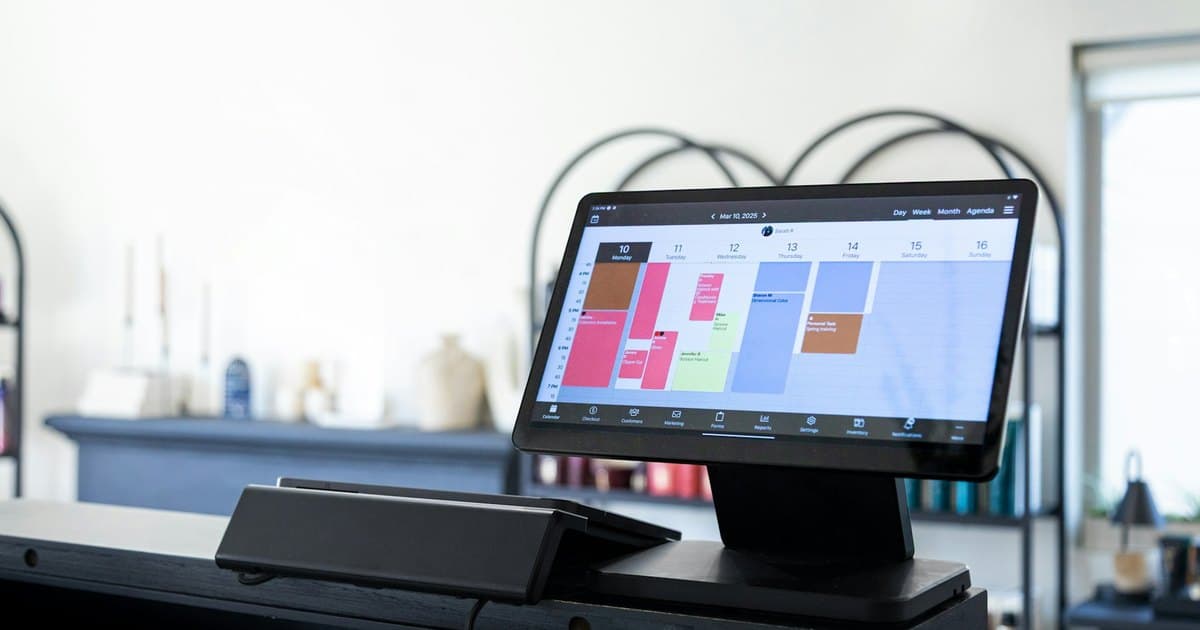
A customer portal lets customers access their own information or complete self-service tasks. An internal dashboard helps staff inspect and operate the business. They can share a backend, but they have different users, permissions, and interface needs.
Decide which actions each audience needs before commissioning either. “We need a dashboard” is too broad to describe a usable application.
Start with the user and the task
A customer might need to review project progress, upload a document, approve a quote, or download an invoice. Staff might need to assign work, investigate exceptions, update status, or compare activity across accounts.
Those are transactional workflows, not just charts. If the application needs a person to change a record, define what the change means and what happens afterward.
For an illustrative service business, customers could see their own jobs and approve submitted work. Staff could manage assignments across all jobs. Showing every customer the staff view with a few hidden buttons would not establish proper access control.
Design permissions around records and actions
Define who can read, create, change, approve, and delete each type of record. Customers should only access the accounts and documents they are entitled to see. Staff roles may also need limits.
Enforce those permissions on the server, not merely by hiding interface elements. Test attempts to open another customer's record directly. Include membership changes, revoked access, and staff impersonation or support access if that capability is required.
Connect to the actual source systems
Identify where invoices, job status, documents, and account details currently live. Decide whether the portal reads live data, receives synchronized updates, or becomes the authoritative system for some fields.
Explain delays to users when appropriate. A displayed status should not imply immediate synchronization if the integration updates only periodically. Preserve stable IDs so customer actions affect the intended records.
Scope the complete experience
Include invitation, login, account recovery, empty states, notifications, errors, and access removal. Customers who use the portal occasionally may need clearer guidance than staff who work in the system every day.
For internal dashboards, prioritize the queues and exceptions staff act on. A chart is useful when it changes a decision; it should not displace the working view employees need to complete tasks.
Release one valuable workflow
Start with a clearly bounded task such as document submission and review. Test the entire customer and staff journey, including mistakes and unavailable integrations. Expand after users can complete that task reliably.
Agree maintenance, support responsibilities, and data export before launch. An account area becomes an ongoing service, not just another public website page.
Our web app development service can scope portals and internal tools. Tell us who will log in and what they need to do to define the right application boundary.