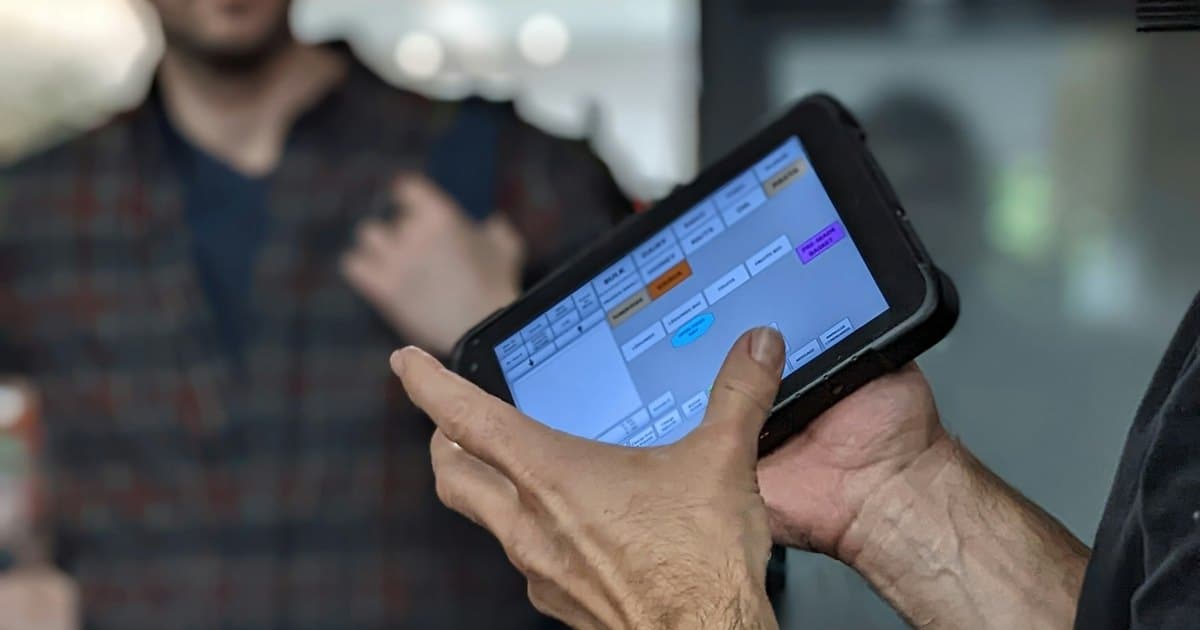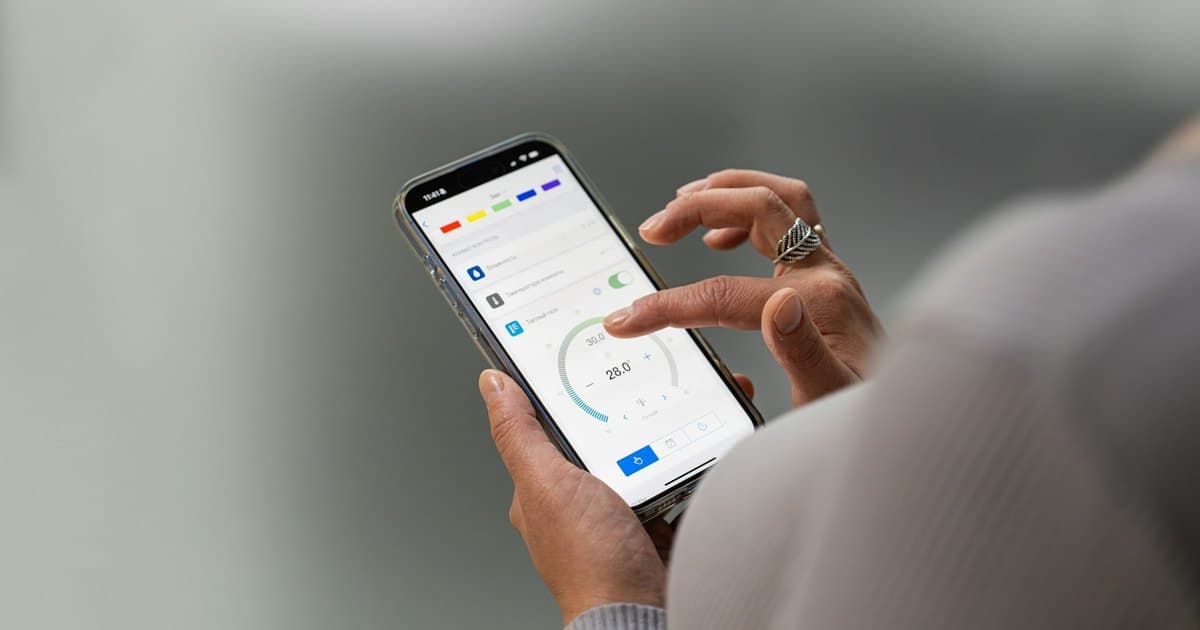
Choose a web app when browser access covers the workflow and easy distribution matters. Consider a mobile app when the job depends on device capabilities, a demanding offline experience, or a mobile interaction pattern that a browser-based tool cannot meet adequately.
Start with the work people perform and where they perform it. A business application does not need an app-store listing simply because employees use phones.
Describe the operating environment
List devices, network availability, screen sizes, and the context of use. Office staff managing records at a desk have different needs from technicians collecting information at customer sites.
For an illustrative field-service tool, the requirements might include photos, assigned jobs, intermittent connectivity, and later synchronization. For an approval portal, opening a link securely in a browser may be enough.
Test the hardest part of the workflow early. Device support and operating-system behavior can determine the architecture more than the number of screens.
Separate responsive design from offline behavior
A responsive web application can adapt its interface to a phone. That does not automatically make it suitable for working without a connection. Offline use requires storage, synchronization, conflict handling, and an explanation of which actions are pending.
Progressive web apps can provide additional capabilities, but support and installation behavior vary by environment. Validate required features on the devices and browsers your users actually have.
Likewise, a mobile app does not automatically solve synchronization. Its offline workflow still needs a clear data model and recovery behavior.
Include distribution and updates
A web app can often be reached through a URL and updated centrally. A mobile application introduces platform-specific distribution, release, compatibility, and support considerations. The exact route depends on the audience and deployment requirements.
Consider how people will discover, install, authenticate, and return to the tool. An occasional customer task may benefit from avoiding an installation step. A frequently used staff tool may justify one.
Compare complete ownership cost
Budget for backend systems, integrations, testing, ongoing compatibility, and operational support in either option. Sharing some code does not eliminate the need to verify the actual experience on each supported platform.
Specify who owns releases, credentials, signing assets where relevant, and user support. A lower initial build estimate can hide a larger maintenance commitment if these responsibilities are unclear.
Build the smallest version that proves the workflow
Prototype a representative task on the intended devices before committing to a full product. Test a slow connection, denied permissions, expired login, and interrupted work—not only the normal journey.
Our web application and mobile app development services can assess either route. Share the users, devices, and tasks involved so the platform choice follows the actual requirements.