Replace a spreadsheet with a custom app when the workflow needs controls the spreadsheet can no longer provide reliably: clear permissions, consistent updates, dependable calculations, connected systems, or an auditable process. A large row count alone is not a sufficient reason to commission software.
First consider whether a simpler sheet redesign or an existing product would solve the problem. Custom development makes sense when the remaining workflow is important and sufficiently specific to your business.
Identify the recurring failure
Describe what goes wrong today. Staff may overwrite formulas, edit the wrong copy, lose approval history, or re-enter the same information into several systems. Record the consequence and frequency rather than simply saying the spreadsheet is messy.
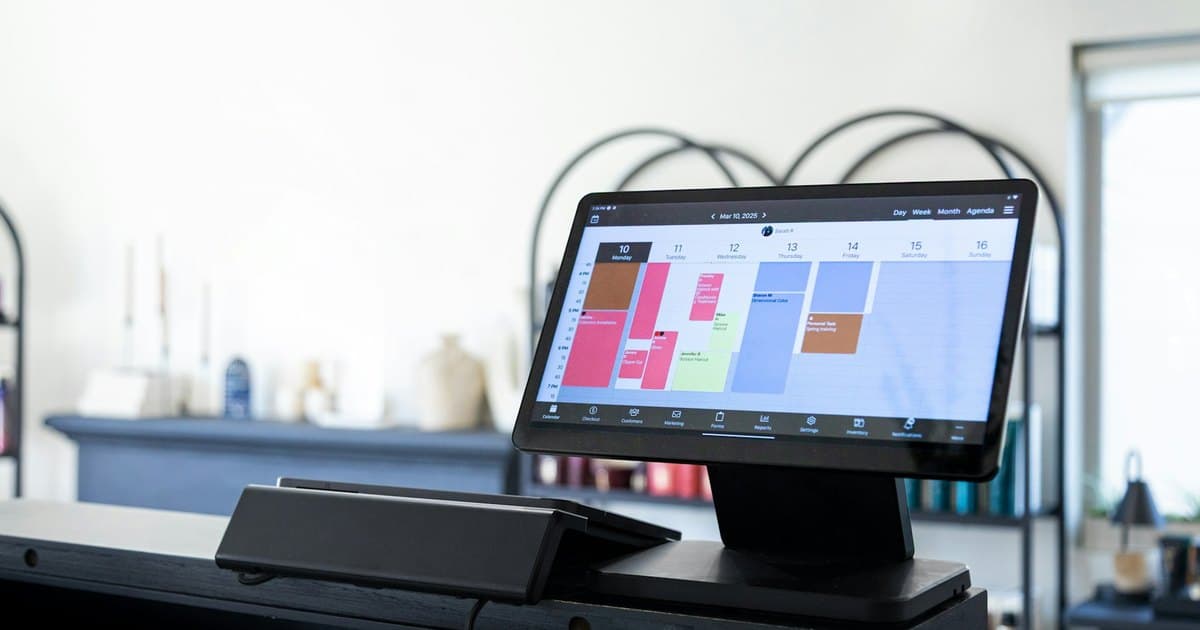
An illustrative service operation might track job requests, staff assignment, and completion in one shared workbook. If several people update the same row and nobody can tell which jobs are approved, the requirement is a controlled job workflow—not a prettier table.
Model the process before the screens
Define the records, their relationships, allowed states, and who can change each field. A customer, job, invoice, and staff member should not necessarily become four text columns on a single record.
List the actions users actually perform: create a request, assign it, approve work, record completion, and export a report. Those actions inform the interface and validation rules. Copying every existing spreadsheet column can preserve accidental complexity.
Audit calculations and data quality
Inventory formulas, hidden tabs, macros, lookups, and manual exceptions. Confirm which calculations are authoritative and test them against representative examples. Do not assume every historical spreadsheet result is correct.
Clean identifiers and duplicates before migration. Preserve an original export and a mapping between old rows and new records. Decide which historical data must move and which can remain in a read-only archive.
Build one complete workflow first
Start with a bounded operation from input to final output. Include permissions, validation, reporting, and failure handling for that operation. A collection of attractive screens is not a working replacement.
Run the new application alongside the existing process for a controlled period where practical. Compare outputs and investigate differences. Avoid letting both systems become independent sources of truth indefinitely.
Plan ownership and the exit route
Agree hosting, access, code ownership, backups, maintenance, and data export. Staff need a way to recover records and continue urgent work if the application is unavailable.
Judge the result by fewer mistakes, clearer ownership, and reduced repeated work. Automation should not remove a useful manual review without replacing its purpose.
Our custom software service and web app development service can turn an established process into a scoped application. Describe the spreadsheet and the problems it causes to assess the smallest useful replacement.