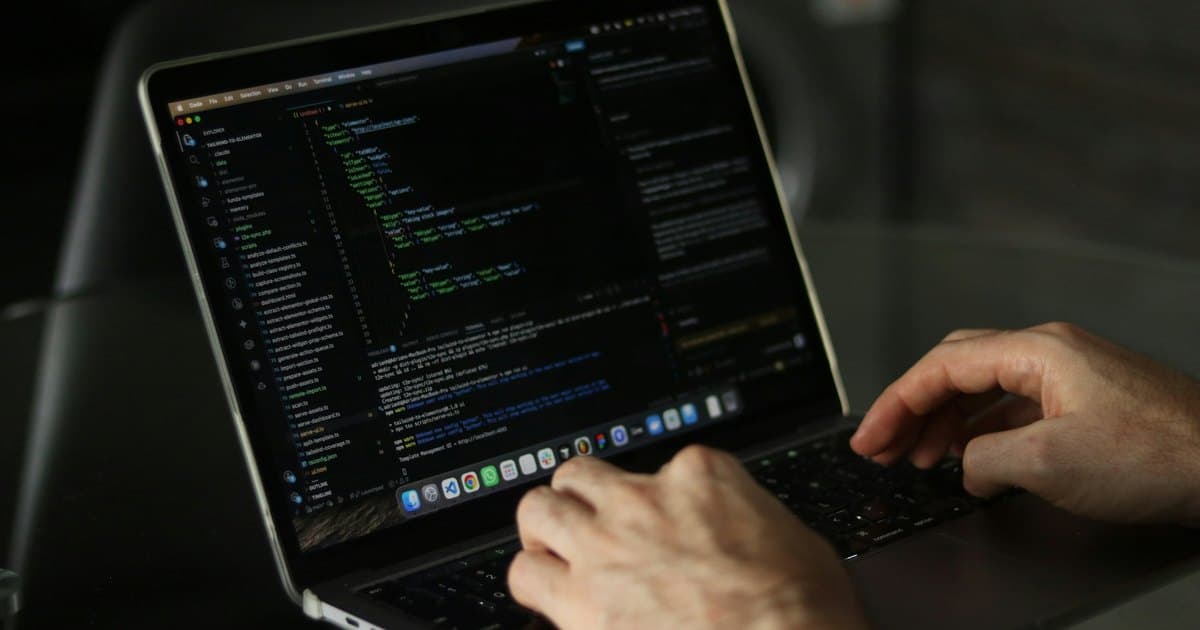
Ongoing app maintenance keeps an agreed application operating as its dependencies, platforms, and connected services change. It can include bug fixes, compatibility work, security updates, operational checks, and release support. The exact coverage must be written into the agreement.
Maintenance is different from unlimited feature development. Both can be valuable, but they need separate capacity and acceptance expectations.
Establish the supported baseline
Document the application version, platforms, key workflows, hosting, integrations, and known issues at the start. For an existing app, a discovery review may be necessary before a provider can promise a maintenance scope.
Confirm access to code, deployment accounts, logs, databases, backups, and relevant platform credentials. A support agreement cannot reliably cover a system the maintainer has no practical way to inspect or release.
Define the kinds of work included
Typical categories to discuss include fixing regressions in agreed behavior, dependency updates, operating-system or browser compatibility, integration changes, monitoring failures, and maintaining deployment processes.
Distinguish those from new screens, business rules, integrations, or product redesigns. A payment provider changing an existing interface may require maintenance; adding an entirely new billing model is usually a new development scope.
An illustrative agreement could reserve capacity for routine upkeep and investigation while quoting substantial feature work separately. The important detail is the boundary, not the word “retainer.”
Separate response time from resolution time
A promise to acknowledge a report is different from a promise to fix it. Define severity levels, support hours, reporting channels, and escalation rules. Some problems depend on a third-party service or a platform review outside the maintainer's control.
Specify who decides whether to roll back, disable a feature, or apply a temporary workaround. Staff need a usable plan when the permanent repair cannot happen immediately.
Include recovery and release checks
Review backup coverage and rehearse restoration where appropriate. A successful backup job is not proof that the application can be restored into a working environment.
Test important workflows before releases: login, payment or subscription behavior, record creation, and relevant integrations. Keep a rollback or mitigation plan and make it clear who monitors the first period after deployment.
For mobile applications, include the supported device and operating-system range and responsibilities for submitting releases. For web applications, establish hosting, database, and browser responsibilities.
Make the work visible
Ask for a record of incidents, completed updates, unresolved issues, and recommended future work. Connect operational checks to the business workflows they protect rather than reporting only that a server is running.
Maintenance should leave the business less dependent on undocumented knowledge. Keep access ownership, setup instructions, and handover material current.
Our app maintenance service can review an existing application and define support boundaries. Share the app, supported platforms, and current issues to assess the starting condition and ongoing needs.